Technology
DeepSeek, ChatGPT, Gemini, or Copilot: which is the best choice for your project?
DeepSeek, ChatGPT, Gemini, or Copilot: which is the best choice for your project? Find out on CodeBlog!
03/12/2025
Leonardo Fróes


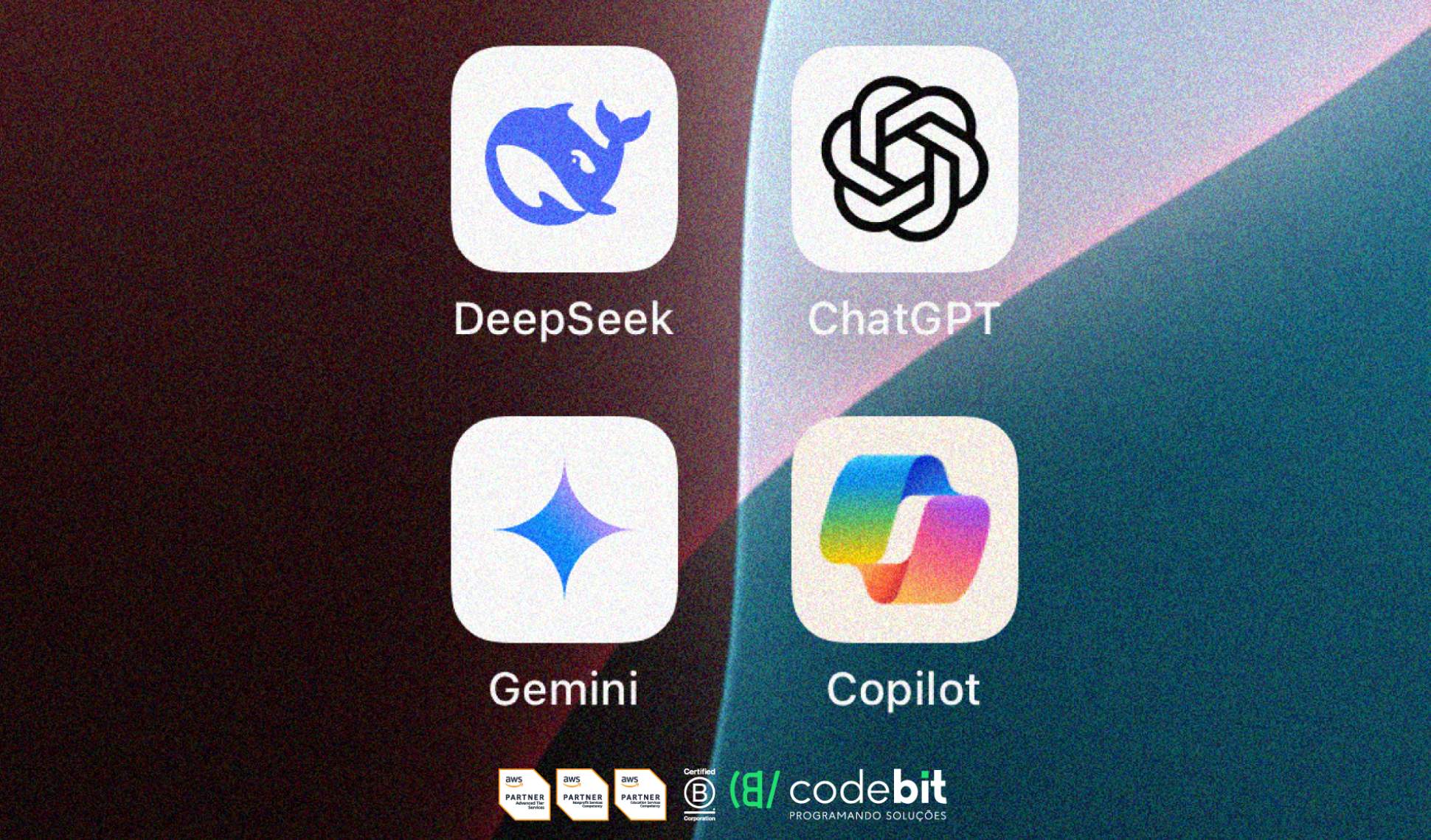
Language models like DeepSeek, ChatGPT, Gemini, and Copilot are at the forefront of this revolution, each with its own characteristics and applications. Understand the differences between these solutions to make the most strategic decision.
An overview of the main AI models
Before comparisons, it is important to understand what each of these models offers:
DeepSeek: Developed by a Chinese company, DeepSeek is known for its computational efficiency and focus on specialized tasks such as financial analysis, medical diagnostics, and legal documentation. It stands out for its accuracy in specific niches and for being an open-source solution, which allows for customization.
ChatGPT: Created by OpenAI, ChatGPT is a generalist language model widely used for content generation, customer support, and even assisting with educational tasks. Its versatility and natural interaction capability make it one of the most popular tools on the market.
Gemini: Developed by Google, Gemini (formerly known as Bard) is a multimodal model that combines text, images, and real-time data. It is ideal for research and analysis that require up-to-date information, besides integrating seamlessly with the Google Workspace ecosystem.
Copilot: A Microsoft solution, Copilot is integrated into Microsoft 365 and focused on productivity. It helps with document creation, data analysis in Excel, and even presentation generation in PowerPoint. Its main advantage is its integration with well-established tools in the corporate market.
Comparing each of the features
To understand which AI model best suits your project, it is essential to compare their features, highlighting the strengths and limitations of each.
Accuracy and Performance
DeepSeek: Stands out in specialized tasks, such as financial analysis and medical diagnostics, with high accuracy in specific niches.
ChatGPT: Offers reliable performance in generalist tasks, such as content generation and customer support, but may have limitations with very recent data.
Gemini: Excellent at providing up-to-date and real-time information, ideal for research and analysis that require recent data.
Copilot: Focused on productivity, it features high accuracy in tasks like document creation and data analysis in Excel.
Ease of Use
DeepSeek: May require more complex initial setup, especially for specialized tasks, but offers flexibility for customization.
ChatGPT: Known for its user-friendly and intuitive interface, it is easy to use even for those without technical experience.
Gemini: Integrates seamlessly with Google Workspace, making it a simple option for those who already use tools from the Google ecosystem.
Copilot: Ideal for Microsoft 365 users, featuring direct integration and smart suggestions in applications like Word and Excel.
Scalability
DeepSeek: Best for specialized projects and sectors like healthcare, finance, and legal, but may have limitations in broader applications.
ChatGPT: Highly scalable and versatile, suitable for a variety of industries, from education to marketing.
Gemini: Scalable for large-scale research and analysis, especially in environments that use Google tools.
Copilot: Designed to increase productivity in corporate environments, it is highly scalable for companies already operating within the Microsoft ecosystem.
Cost and Accessibility
DeepSeek: Free and open-source, it is an affordable option for developers and projects with limited resources.
ChatGPT: Offers a free version with basic features, as well as paid plans for access to advanced features.
Gemini: Available for free, with enterprise options for those who need additional features.
Copilot: Included in the Microsoft 365 package, making it a convenient option for companies that already use these tools.
Security and Compliance
DeepSeek: May require additional configurations to meet security regulations, but it is highly customizable.
ChatGPT: Controlled by OpenAI, it follows moderation rules and offers a good level of security.
Gemini: Integrated into the Google ecosystem, which prioritizes security and compliance with international standards.
Copilot: Known for its high security and compliance with regulations such as LGPD and GDPR, ideal for companies handling sensitive data.
Support and Updates
DeepSeek: Relies more on the community for support and updates, but offers flexibility for customization.
ChatGPT: Receives constant updates from OpenAI and has robust support, especially in paid versions.
Gemini: Benefits from Google's support and regular updates, ensuring an always up-to-date solution.
Copilot: Backed by Microsoft, it offers reliable support and frequent updates, especially for corporate users.
Each solution has its strengths, and the final choice will depend on the balance between functionality, cost, and ease of use.
Which AI model is the best choice for your project?
The choice of the ideal model depends on your specific needs.
Choose DeepSeek if your project involves highly specialized tasks such as financial analysis, medical diagnostics, or legal documentation. It is also a great option for developers looking for an open-source, customizable solution.
Opt for ChatGPT if you need a versatile tool for content generation, customer support, or educational tasks. It is ideal for startups, creatives, and professionals looking for an easy-to-use and adaptable solution.
Gemini is the best choice for research and analysis that require real-time data. If you already use Google Workspace, this integration will make your workflow even easier.
For companies already operating in the Microsoft 365 ecosystem, Copilot is the ideal solution. It increases productivity by automating repetitive tasks and offering smart suggestions in documents, spreadsheets, and presentations.
Evaluating priorities when choosing
It is essential to take into account several factors that directly impact the efficiency and success of the implementation when choosing the ideal AI model.
Project Objective
Clearly define what you expect from the tool. The chosen model must align with your specific needs, whether for content generation, data analysis, customer support, or specialized tasks.
Integration with Existing Tools
Evaluate whether the solution integrates well with the ecosystem of tools you already use. Good integration can simplify workflow and increase productivity.
Cost and Accessibility
Consider the available budget and the cost-benefit of the solution. Some tools are free or open-source, while others require investment in paid plans or enterprise licenses.
Ease of Use and Implementation
Think about the complexity of implementation and the learning curve. Intuitive and easy-to-configure tools can save time and resources.
Scalability and Flexibility
Check if the solution can grow along with your project or company. Scalable and adaptable models are ideal for future needs.
Security and Compliance
If your project involves sensitive data, prioritize tools that meet security and privacy regulations like LGPD or GDPR.
Support and Updates
Consider the quality of support offered and the frequency of updates. Solutions with robust support and regular updates tend to be more reliable in the long run.
With CodeBit you stay on top of trends in the technology world!
Want to know more about how these tools can be applied to your business? Follow the CodeBlog and discover how CodeBit can help you turn your ideas into reality with the best technology solutions on the market.




" width="15.500294250860316px"><path d="M 0 15.475 L 0 0 L 15.5 0 L 15.5 15.475 Z" fill="transparent" height="15.475099999999998px" id="tPiDQU_MP" width="15.5px"/><path d="M 3.167 1.589 C 3.847 0.724 4.607 0.171 5.61 0.046 C 6.532 -0.07 7.436 0.022 8.277 0.451 C 9.235 0.938 9.681 1.797 9.877 2.797 C 9.987 3.364 10.049 3.948 10.056 4.525 C 10.079 6.395 10.055 8.265 10.075 10.135 C 10.08 10.527 9.944 10.648 9.574 10.641 C 8.799 10.627 8.023 10.63 7.248 10.644 C 6.911 10.65 6.787 10.528 6.789 10.181 C 6.803 8.533 6.799 6.884 6.789 5.236 C 6.788 4.892 6.754 4.545 6.698 4.206 C 6.57 3.433 6.106 2.974 5.443 2.925 C 4.405 2.849 3.714 3.206 3.495 4.018 C 3.37 4.478 3.333 4.972 3.326 5.451 C 3.306 7.002 3.307 8.555 3.327 10.105 C 3.332 10.504 3.208 10.654 2.807 10.644 C 2.032 10.625 1.257 10.63 0.481 10.642 C 0.156 10.647 -0.001 10.546 0 10.193 C 0.007 7.035 0.006 3.876 0 0.718 C 0 0.391 0.104 0.24 0.458 0.249 C 1.219 0.269 1.981 0.267 2.743 0.252 C 3.068 0.245 3.197 0.361 3.17 0.688 C 3.148 0.948 3.166 1.211 3.166 1.589 Z" fill="rgb(245, 240, 237)" height="10.64451194394125px" id="Hw1mXDepj" transform="translate(5.425 4.831)" width="10.075487656011685px"/><path d="M 3.284 5.2 C 3.284 6.764 3.27 8.327 3.292 9.892 C 3.297 10.284 3.158 10.403 2.79 10.396 C 2.015 10.382 1.24 10.386 0.465 10.399 C 0.14 10.403 -0.001 10.305 0 9.947 C 0.012 6.792 0.012 3.637 0.002 0.481 C 0.001 0.123 0.105 -0.01 0.473 0.001 C 1.261 0.023 2.05 0.02 2.839 0.004 C 3.183 -0.003 3.294 0.124 3.29 0.467 C 3.276 2.044 3.284 3.623 3.284 5.2 Z" fill="rgb(245, 240, 237)" height="10.39869818980116px" id="sgvgyFXCr" transform="translate(0.237 5.076)" width="3.292113077251912px"/><path d="M 3.768 1.898 C 3.761 2.945 2.91 3.782 1.859 3.772 C 0.828 3.763 -0.012 2.892 0 1.842 C 0.012 0.824 0.864 -0.003 1.897 0 C 2.956 0.003 3.776 0.834 3.768 1.898 Z" fill="rgb(245, 240, 237)" height="3.772444228811899px" id="M8BOm1cI0" transform="translate(0 0)" width="3.768370362042166px"/></g></svg>)
" height="17px" id="G9twDfI1x" transform="translate(2 2)" width="17px"/></svg>)
" height="17px" id="q6YSjVL3w" transform="translate(6 2)" width="8.5px"/></svg>)
" height="12.720532384492868px" id="Jh_taQ7si" transform="translate(1 3.586)" width="18.00050025px"/></svg>)