Information Security
10 tips to protect your digital privacy
Discover some simple tips to ensure your online security and protect your data in the digital environment. Click to find out more!
03/02/2021


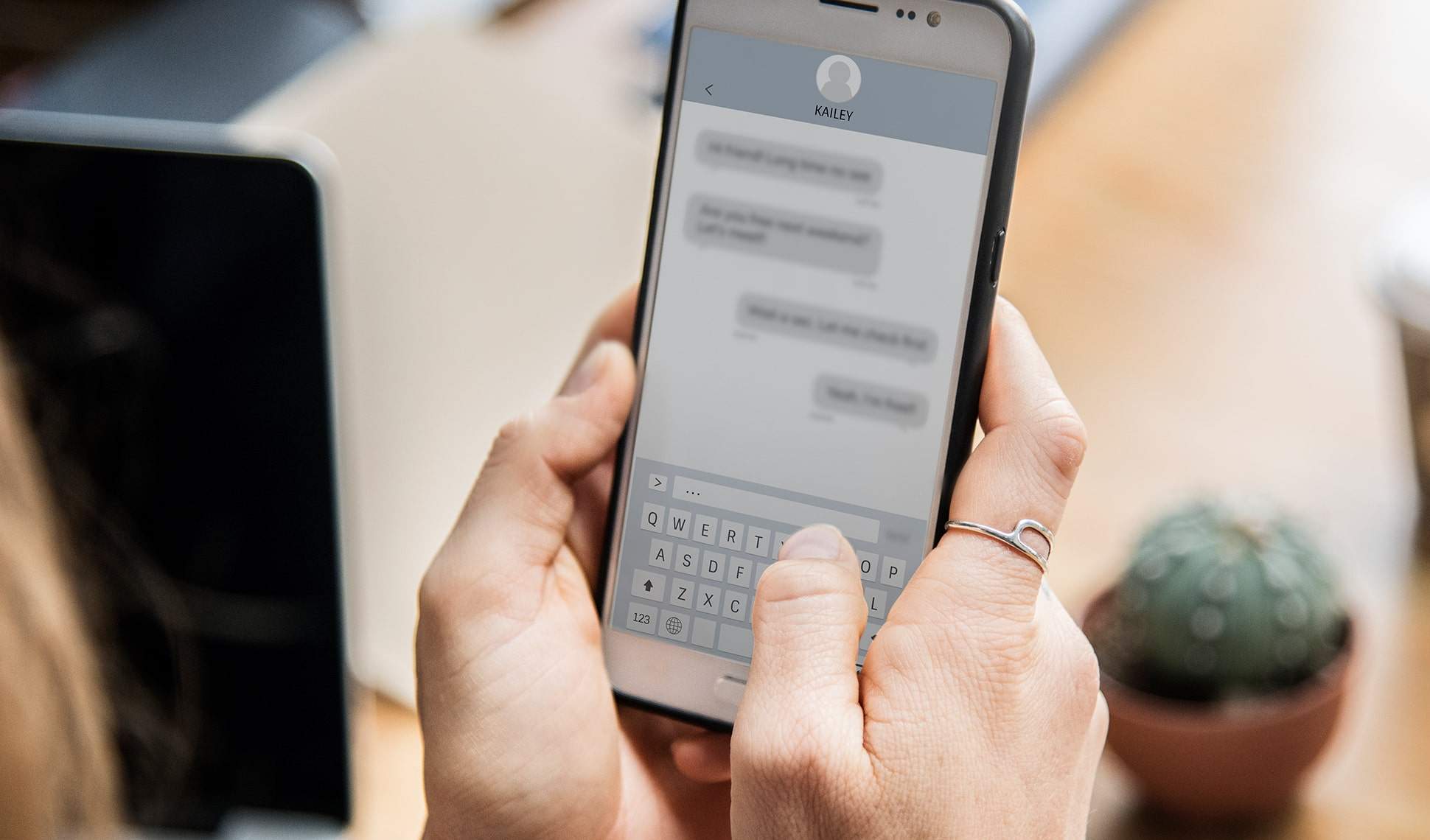
Just as we protect ourselves in our "tangible" daily life with electric fences, alarms, and monitoring systems, our digital life also needs some care, especially regarding the security and protection of information provided. This is because, although the internet involves an incredible range of possibilities such as access to social networks, streaming, real-time chats, and much more, it also deeply exposes the preferences, behaviors, and even the intimacy of careless users.
But the good news is that with a few simple tips, you can ensure your protection in the digital universe.
Follow along with us and check out some important tricks that the CodeBlog team has prepared to help you preserve your privacy on networks:
1. Use a VPN
First and foremost, keep in mind that any and all online activity is recorded. Registrations on websites, browsing history, app downloads, and various other permissions make up the extensive group of those who have access to your data.
Whenever your IP address (considered your device's ID) is available while browsing, each of the groups mentioned above guarantees access to different characteristics of your activity. Therefore, if you want to browse the internet safely and anonymously, the best option is to install a VPN to mask your IP address by using an IP address from your VPN provider and data encryption.
2. Analyze your social network privacy settings
If you have an account on any social network, whichever it may be, you probably know that part of your life is freely exposed on the internet. Therefore, if you want to ensure your protection, it is recommended to carefully observe your privacy settings and define what information will be public, what can be accessed by friends, and what information nobody besides you can access.
3. Create secure passwords
Birthdays, last phone digits, house numbers, or apartment blocks: forget these digits when creating your passwords. As hard as it may seem to think of different keywords to access your accounts, this is extremely necessary. In fact, with password managers available on smartphones and computers, it is possible to memorize your access to all services without having to type the same sequence several times.
4. Be very careful with public tools
Exposure on the internet does not live on social networks alone; some public tools, which seem harmless, can ruin your privacy if used incorrectly. Therefore, be very careful with online storage applications such as Google Drive and DropBox; never use these tools to write down passwords, store personal images, or documents.
5. Prioritize incognito mode
When you access a website, your browser presents countless pieces of information about you, including your digital browsing history. This information is used by various marketing companies to analyze your profile and determine the ads that might impact you. If you don't want to be bombarded by this type of content, prioritize incognito browsing mode and avoid online tracking.
6. Be very careful with public Wi-Fi networks
Normally, open Wi-Fi networks do not encrypt traffic, meaning anyone connected to the same network can try to spy on you. Therefore, whenever you access a public connection, avoid sharing any sensitive data such as passwords, card numbers, or document numbers. Additionally, always use a VPN (Virtual Private Network) to encrypt and protect your data from onlookers or intruders.
7. Pay close attention to online shopping!
As convenient as it may seem to be, shopping online involves two very important points: your data and your money. When buying any item online, choose renowned stores. If you are interested in a product from an unknown brand or website, search for reviews about the store and look for the brand on complaint websites. Furthermore, it is essential to find out if the e-commerce features an online privacy statement and if the data entry page displays a padlock symbol in the browser. If this information is missing, the best thing to do is not to proceed with the purchase.
8. Avoid providing your main email or your phone number on the internet
Leads, offers, giveaways, promotions... Have you ever stopped to think about how many times you have shared your email and phone number on the internet? Although this type of information seems innocent, they are what trigger several spams in your inbox and numerous automated calls. Therefore, whenever possible, do not provide your main contacts. In some cases, it is worth creating an email address and using a secondary SIM card to avoid sharing your data with strangers.
9. Keep your devices' software always updated
Just as there are people working on protection systems, there are also those operating in the opposite direction, trying to bring these systems down. For this reason, it is of utmost importance to update your devices' software, since outdated desktops, smartphones, and modems are susceptible to intrusions.
10. Identify and ignore Phishing
Finally, never trust mind-blowing deals, emails and SMS claiming you won an iPhone, suspicious links, and many other activities that seem very advantageous. These activities are considered phishing, a technique used by cybercriminals to obtain user data.
Therefore, always be careful with these links and ignore them whenever possible. Every day, hackers discover new ways to execute scams on victims.
So, did you enjoy our online security and protection tips? Share this content with your friends and keep an eye on CodeBlog so you don’t miss any news about the digital universe.
A big hug and see you soon!




" width="15.500294250860316px"><path d="M 0 15.475 L 0 0 L 15.5 0 L 15.5 15.475 Z" fill="transparent" height="15.475099999999998px" id="tPiDQU_MP" width="15.5px"/><path d="M 3.167 1.589 C 3.847 0.724 4.607 0.171 5.61 0.046 C 6.532 -0.07 7.436 0.022 8.277 0.451 C 9.235 0.938 9.681 1.797 9.877 2.797 C 9.987 3.364 10.049 3.948 10.056 4.525 C 10.079 6.395 10.055 8.265 10.075 10.135 C 10.08 10.527 9.944 10.648 9.574 10.641 C 8.799 10.627 8.023 10.63 7.248 10.644 C 6.911 10.65 6.787 10.528 6.789 10.181 C 6.803 8.533 6.799 6.884 6.789 5.236 C 6.788 4.892 6.754 4.545 6.698 4.206 C 6.57 3.433 6.106 2.974 5.443 2.925 C 4.405 2.849 3.714 3.206 3.495 4.018 C 3.37 4.478 3.333 4.972 3.326 5.451 C 3.306 7.002 3.307 8.555 3.327 10.105 C 3.332 10.504 3.208 10.654 2.807 10.644 C 2.032 10.625 1.257 10.63 0.481 10.642 C 0.156 10.647 -0.001 10.546 0 10.193 C 0.007 7.035 0.006 3.876 0 0.718 C 0 0.391 0.104 0.24 0.458 0.249 C 1.219 0.269 1.981 0.267 2.743 0.252 C 3.068 0.245 3.197 0.361 3.17 0.688 C 3.148 0.948 3.166 1.211 3.166 1.589 Z" fill="rgb(245, 240, 237)" height="10.64451194394125px" id="Hw1mXDepj" transform="translate(5.425 4.831)" width="10.075487656011685px"/><path d="M 3.284 5.2 C 3.284 6.764 3.27 8.327 3.292 9.892 C 3.297 10.284 3.158 10.403 2.79 10.396 C 2.015 10.382 1.24 10.386 0.465 10.399 C 0.14 10.403 -0.001 10.305 0 9.947 C 0.012 6.792 0.012 3.637 0.002 0.481 C 0.001 0.123 0.105 -0.01 0.473 0.001 C 1.261 0.023 2.05 0.02 2.839 0.004 C 3.183 -0.003 3.294 0.124 3.29 0.467 C 3.276 2.044 3.284 3.623 3.284 5.2 Z" fill="rgb(245, 240, 237)" height="10.39869818980116px" id="sgvgyFXCr" transform="translate(0.237 5.076)" width="3.292113077251912px"/><path d="M 3.768 1.898 C 3.761 2.945 2.91 3.782 1.859 3.772 C 0.828 3.763 -0.012 2.892 0 1.842 C 0.012 0.824 0.864 -0.003 1.897 0 C 2.956 0.003 3.776 0.834 3.768 1.898 Z" fill="rgb(245, 240, 237)" height="3.772444228811899px" id="M8BOm1cI0" transform="translate(0 0)" width="3.768370362042166px"/></g></svg>)
" height="17px" id="G9twDfI1x" transform="translate(2 2)" width="17px"/></svg>)
" height="17px" id="q6YSjVL3w" transform="translate(6 2)" width="8.5px"/></svg>)
" height="12.720532384492868px" id="Jh_taQ7si" transform="translate(1 3.586)" width="18.00050025px"/></svg>)