Information Security
What is a Ransomware attack and how to prevent it?
What is a Ransomware attack and how to prevent it? Find out in the article that the Codeblog team has prepared for you.
09/13/2023


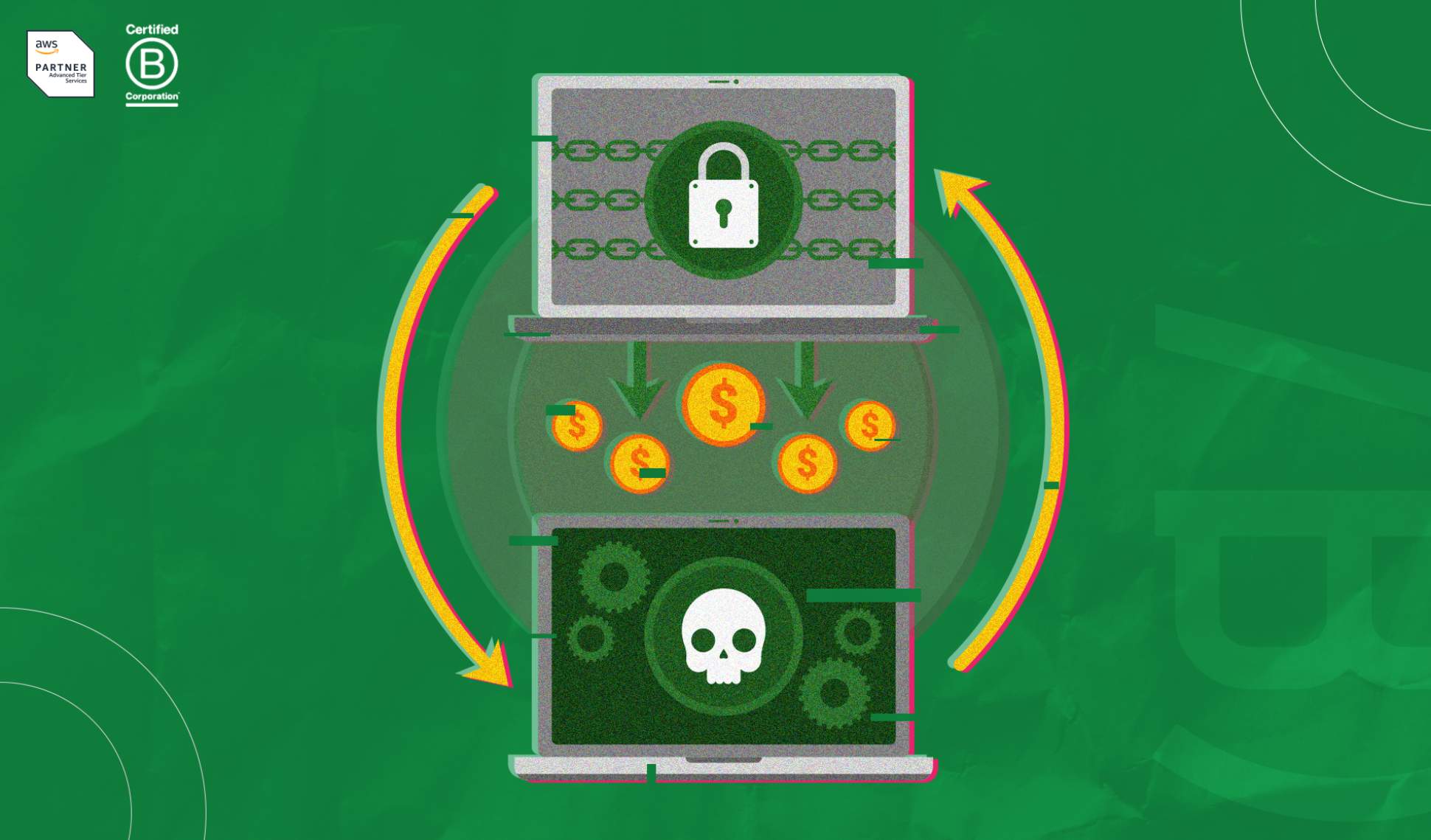
With the advancement of technology, the types of cyberattacks also become more sophisticated. A major example of this is ransomware, which has intensified in the digital environment, precisely because of the profitability it provides to hackers.
The practice involves malicious software, which uses encryption resources to defraud and hold victims' information, preventing access to important files, such as databases, personal information, and applications (stored on smartphones or computers).
As a result, intruders demand the payment of large sums to release access.
In addition to causing various types of damage and loss to the credibility and reputation of people and organizations, ransomware attacks also lead to millions of dollars being pocketed by criminals.
If you want to find out how to protect yourself from the risks, you are in the right place! Read on and check out the article that the CodeBlog team has prepared for you.
The danger of ransomware
A survey conducted by McAfee Labs (McAfee's threat research division) identified that ransomware attacks grew by about 60% between the fourth quarter of 2019 and the first quarter of 2020.
This type of practice is extremely worrying, not only because of the risk it represents to companies, but also due to the possibility of affecting consumers' own data, since, in most cases, organizations concentrate various types of sensitive data and financial information of their customers. But, fortunately, there are some best practices that help with protection against ransomware (we will talk about them in the next topics).
How do I know if my information is vulnerable?
Generally, ransomware attacks are quickly identified by organizations, even if the analysis and complete scan of the affected areas and the impact of the breach take more time.
As soon as all the necessary data is gathered, the company can notify its consumers through various channels, such as email, messaging apps, social networks, or even via an informational banner on the website's homepage.
Therefore, the first step to identifying if your data is vulnerable is to pay attention to the communication channels of the companies from which you frequently consume products or services.
6 Best practices to protect yourself from ransomware attacks
Do not ignore backups
Ransomware attacks spread rapidly, blocking files and preventing access, so if you identify that your equipment has been affected, the first step is to immediately disconnect from all devices and applications.
To ensure this action does not cause the loss of important data or information, it is essential to make frequent backup copies, preferably in a cloud environment. This makes it much easier (and safer) to clean your device and reinstall the files later.
Although backups cannot prevent cyberattacks, they mitigate the damage caused.
Watch out for passwords!
This tip is as cliché as it is useful, so it is always necessary to reinforce: do not use the same password for multiple accesses! No matter how much easier it is to memorize, this practice facilitates the actions of intruders.
Try to create strong and exclusive credentials, preferably with sequences of numbers, letters, and special characters. Technology can help you in this mission. Currently, there are several apps and password managers that control passwords and help in creating more secure passwords.
Enable two-factor authentication
Two-factor authentication adds an extra layer of security to the login process, requiring the user to provide two forms of identification.
The first, most of the time, is the password. The second varies according to the service, but is usually an SMS or code sent by email.
Therefore, when logging in, you must know not only the password but also the code sent to prove your identity.
Thus, if one of them is lost, stolen, misplaced, or used incorrectly, the other will still be there to protect your account and prevent a potential intrusion.
Use secure Wi-Fi networks
Avoid using public Wi-Fi networks, as they are not secure enough to prevent cybercriminal attacks. In addition, another advisable practice is the installation of a VPN ("Virtual Private Network"), which helps protect networks by creating encryption for Internet traffic, disguising the online identity of users and making it harder for third parties to access and track online activities.
Be careful with access
When it comes to the internet, believe it: you can never be too careful. Therefore, always pay close attention to the links you open and the sites you access on your computer or smartphone browser.
Do not believe in unbelievable offers and discounts, do not click on suspicious links, do not reply to emails or SMS from unknown senders and, under no circumstances, download files or applications from unknown sources.
To reinforce protection, rely on a trusted antivirus and a security extension.
Do not pay the ransom
Even though most victims of ransomware attacks are large companies, individuals can also be hit.
If this happens to you, do not pay the ransom. In a moment of desperation, accepting the hackers' blackmail may seem like the only viable way to get your encrypted files back. But the truth is that payment does not guarantee any kind of return, since we are dealing with criminals.
In addition, paying the ransom also contributes to the development of new ransomware.
Therefore, the most recommended output is not to make any payment and search for resources dedicated to decryption, developed to help people recover files that have been locked by ransomware.
We hope this article has been useful for your online protection.
Keep an eye on the Blog of Codebit and follow the weekly content created to ensure you are updated on the main technological trends and protected against the greatest risks that hover in the universe. Warm regards and see you in the next post!




" width="15.500294250860316px"><path d="M 0 15.475 L 0 0 L 15.5 0 L 15.5 15.475 Z" fill="transparent" height="15.475099999999998px" id="tPiDQU_MP" width="15.5px"/><path d="M 3.167 1.589 C 3.847 0.724 4.607 0.171 5.61 0.046 C 6.532 -0.07 7.436 0.022 8.277 0.451 C 9.235 0.938 9.681 1.797 9.877 2.797 C 9.987 3.364 10.049 3.948 10.056 4.525 C 10.079 6.395 10.055 8.265 10.075 10.135 C 10.08 10.527 9.944 10.648 9.574 10.641 C 8.799 10.627 8.023 10.63 7.248 10.644 C 6.911 10.65 6.787 10.528 6.789 10.181 C 6.803 8.533 6.799 6.884 6.789 5.236 C 6.788 4.892 6.754 4.545 6.698 4.206 C 6.57 3.433 6.106 2.974 5.443 2.925 C 4.405 2.849 3.714 3.206 3.495 4.018 C 3.37 4.478 3.333 4.972 3.326 5.451 C 3.306 7.002 3.307 8.555 3.327 10.105 C 3.332 10.504 3.208 10.654 2.807 10.644 C 2.032 10.625 1.257 10.63 0.481 10.642 C 0.156 10.647 -0.001 10.546 0 10.193 C 0.007 7.035 0.006 3.876 0 0.718 C 0 0.391 0.104 0.24 0.458 0.249 C 1.219 0.269 1.981 0.267 2.743 0.252 C 3.068 0.245 3.197 0.361 3.17 0.688 C 3.148 0.948 3.166 1.211 3.166 1.589 Z" fill="rgb(245, 240, 237)" height="10.64451194394125px" id="Hw1mXDepj" transform="translate(5.425 4.831)" width="10.075487656011685px"/><path d="M 3.284 5.2 C 3.284 6.764 3.27 8.327 3.292 9.892 C 3.297 10.284 3.158 10.403 2.79 10.396 C 2.015 10.382 1.24 10.386 0.465 10.399 C 0.14 10.403 -0.001 10.305 0 9.947 C 0.012 6.792 0.012 3.637 0.002 0.481 C 0.001 0.123 0.105 -0.01 0.473 0.001 C 1.261 0.023 2.05 0.02 2.839 0.004 C 3.183 -0.003 3.294 0.124 3.29 0.467 C 3.276 2.044 3.284 3.623 3.284 5.2 Z" fill="rgb(245, 240, 237)" height="10.39869818980116px" id="sgvgyFXCr" transform="translate(0.237 5.076)" width="3.292113077251912px"/><path d="M 3.768 1.898 C 3.761 2.945 2.91 3.782 1.859 3.772 C 0.828 3.763 -0.012 2.892 0 1.842 C 0.012 0.824 0.864 -0.003 1.897 0 C 2.956 0.003 3.776 0.834 3.768 1.898 Z" fill="rgb(245, 240, 237)" height="3.772444228811899px" id="M8BOm1cI0" transform="translate(0 0)" width="3.768370362042166px"/></g></svg>)
" height="17px" id="G9twDfI1x" transform="translate(2 2)" width="17px"/></svg>)
" height="17px" id="q6YSjVL3w" transform="translate(6 2)" width="8.5px"/></svg>)
" height="12.720532384492868px" id="Jh_taQ7si" transform="translate(1 3.586)" width="18.00050025px"/></svg>)