Information Security
6 simple steps to create more secure passwords
6 simple steps to create more secure passwords: check it out on the CodeBit blog
09/19/2022


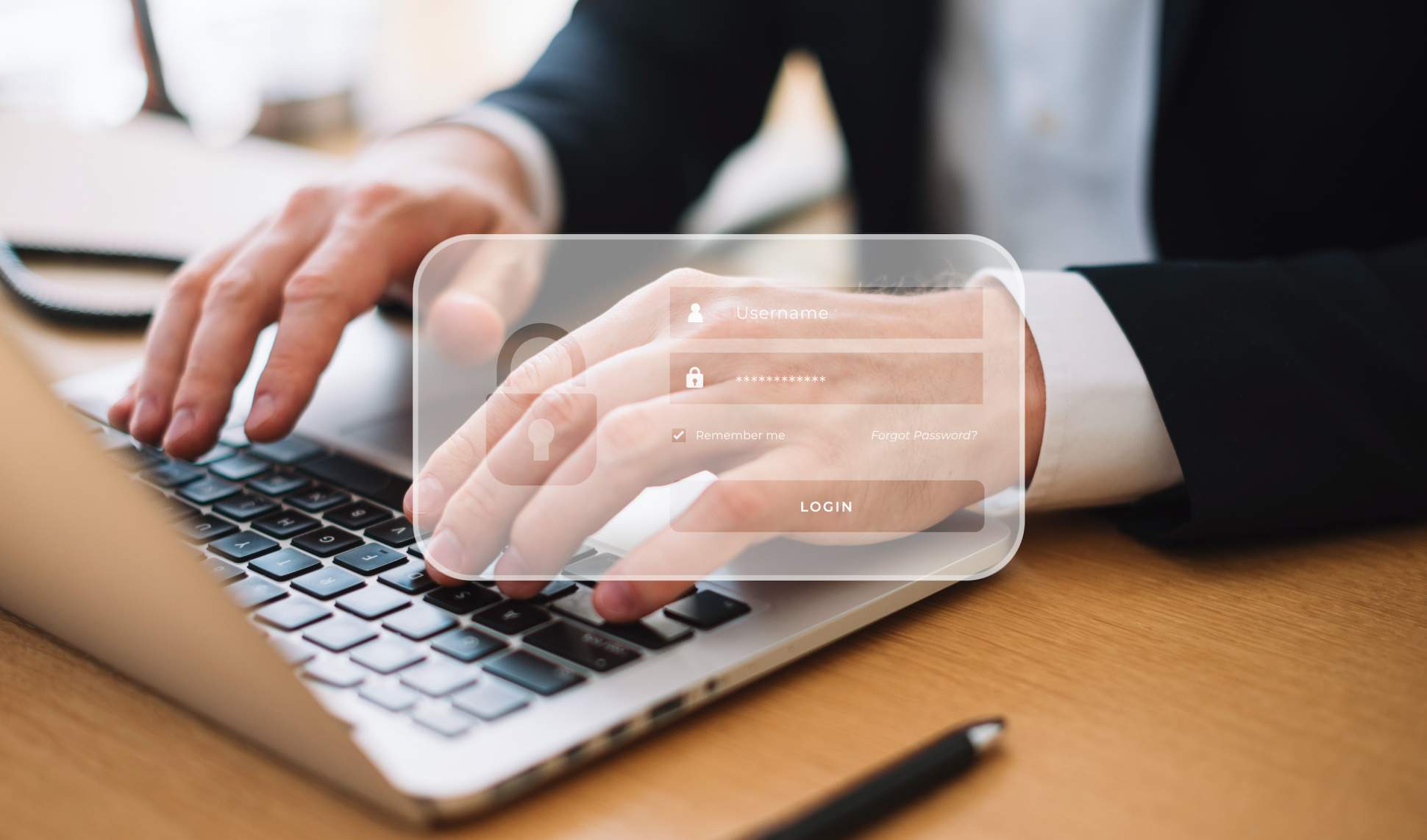
Passwords work as a barrier to prevent unauthorized people from accessing your personal or corporate information.
Thus, they protect data that is not considered public and allow for greater user control.
However, for them to be truly secure and efficient, it is important to pay attention to some details so that the chosen combinations of numbers, letters, and symbols result in a strong, unique, and hard-to-crack password.
To help you with this mission, we at the CodeBlog team have created this informative and certainly very useful article. Read on and check it out!
Why is it so important to protect passwords?
As simple as a password-protected platform may seem, the truth is that it can provide various pieces of information about your contact network, routine, preferences, and relationships, and facilitate access to other truly important data.
For example, if an attacker discovers your corporate email login and access, they can view your entire inbox, conduct business espionage, find out which clients are in prospecting, what new products or services are in development, strategic plans, and various other pieces of information that should be limited to the internal environment.
In the case of personal emails, password leakage can cause the loss of access to linked accounts (as occurs with social networks, apps, and bank accounts). Thus, the attacker can use your identity to scam third parties, make bank transactions without your knowledge, and cause various types of damage to your image and financial health.
6 simple steps to create more secure passwords
First of all, it must be emphasized that, unfortunately, no password is considered 100% secure and impossible to discover, but even so, it is possible to create strong passwords and hinder the dreaded intrusions.
1. Avoid the obvious
As cliché as it may seem, it is important to remember that birthdays, numerical sequences, name next to the current year, house number, and other keywords that include easily accessible information about your life result in obvious passwords and should be avoided. After all, most of the time, attackers seek to discover this data first before trying any other type of password.
2. Do not use the same password for multiple accesses
Even though using the same password for multiple sites and apps is easier, it opens a loophole for attackers to strike.
Therefore, it is advisable to create different passwords for each access, especially for sites and apps that contain sensitive information such as corporate emails, social networks, and internet banking.
3. Combine letters, numbers, and special characters
Nowadays, many websites and apps already require creating an access password with a specific number of elements and that is formed by a combination of numbers, letters, and special characters.
Even though this condition displeases many people, precisely because of the difficulty level of creation, it is indeed the best alternative to ensure more security and make it harder to discover the password.
In fact, the recommendation is to create passwords with combinations of uppercase and lowercase letters, numbers, and special characters for any tool, even those that do not request this specific sequence.
4. Stay updated!
With each passing day, attackers discover new strategies to invade accounts and leak user data, so, in addition to following the tips mentioned earlier, it is also important to always keep an eye on news rising in the media related to information leakage.
Considering that in most cases where leaks occur they are publicized, it is important to always be attentive to identify if you use any access that was compromised by hackers and, if so, immediately change the password and login email.
In fact, it is important to change the email and password even if your data has not been leaked or impacted, to reinforce your security and ensure greater protection.
5. Beware of Phishing attacks that occur by email
Phishing attacks are becoming more common and, above all, more dangerous every day, occurring, in most cases, via email.
In the inbox, they focus content related to password notices and account validation. They are usually sent by unknown senders and always request a click on a certain link to solve a "problem" found in a specific account...
By clicking the link, users are directed to a fake page, and by entering their details, they can have their emails and passwords captured, and even grant access to confidential information, such as credit card details.
Therefore, when finding this type of content in your inbox, it is best to ignore the email, don't click on any links, and confirm, preferably with the service provider presented as the sender of the message (by phone or WhatsApp), if the notice is really true.
It is worth remembering that no serious company requests sending passwords by email or any other means of communication.
6. Do not share your passwords
Last but not least, it is useless to follow all the tips mentioned above if you share your passwords with other people. Therefore, avoid telling your passwords to third parties as much as possible, whoever they may be.
And when you need to share your accesses (as a last resort) do not share them through messages, emails, or physical notes.
Conclusion
We hope you enjoyed the tips and, above all, that you start putting them into practice right now to keep the security of your passwords and your personal and corporate accesses.
If this content was interesting to you, keep an eye on the Blog of CodeBit and follow the most diverse articles related to technology and digital security.
A big hug, and see you in the next post!




" width="15.500294250860316px"><path d="M 0 15.475 L 0 0 L 15.5 0 L 15.5 15.475 Z" fill="transparent" height="15.475099999999998px" id="tPiDQU_MP" width="15.5px"/><path d="M 3.167 1.589 C 3.847 0.724 4.607 0.171 5.61 0.046 C 6.532 -0.07 7.436 0.022 8.277 0.451 C 9.235 0.938 9.681 1.797 9.877 2.797 C 9.987 3.364 10.049 3.948 10.056 4.525 C 10.079 6.395 10.055 8.265 10.075 10.135 C 10.08 10.527 9.944 10.648 9.574 10.641 C 8.799 10.627 8.023 10.63 7.248 10.644 C 6.911 10.65 6.787 10.528 6.789 10.181 C 6.803 8.533 6.799 6.884 6.789 5.236 C 6.788 4.892 6.754 4.545 6.698 4.206 C 6.57 3.433 6.106 2.974 5.443 2.925 C 4.405 2.849 3.714 3.206 3.495 4.018 C 3.37 4.478 3.333 4.972 3.326 5.451 C 3.306 7.002 3.307 8.555 3.327 10.105 C 3.332 10.504 3.208 10.654 2.807 10.644 C 2.032 10.625 1.257 10.63 0.481 10.642 C 0.156 10.647 -0.001 10.546 0 10.193 C 0.007 7.035 0.006 3.876 0 0.718 C 0 0.391 0.104 0.24 0.458 0.249 C 1.219 0.269 1.981 0.267 2.743 0.252 C 3.068 0.245 3.197 0.361 3.17 0.688 C 3.148 0.948 3.166 1.211 3.166 1.589 Z" fill="rgb(245, 240, 237)" height="10.64451194394125px" id="Hw1mXDepj" transform="translate(5.425 4.831)" width="10.075487656011685px"/><path d="M 3.284 5.2 C 3.284 6.764 3.27 8.327 3.292 9.892 C 3.297 10.284 3.158 10.403 2.79 10.396 C 2.015 10.382 1.24 10.386 0.465 10.399 C 0.14 10.403 -0.001 10.305 0 9.947 C 0.012 6.792 0.012 3.637 0.002 0.481 C 0.001 0.123 0.105 -0.01 0.473 0.001 C 1.261 0.023 2.05 0.02 2.839 0.004 C 3.183 -0.003 3.294 0.124 3.29 0.467 C 3.276 2.044 3.284 3.623 3.284 5.2 Z" fill="rgb(245, 240, 237)" height="10.39869818980116px" id="sgvgyFXCr" transform="translate(0.237 5.076)" width="3.292113077251912px"/><path d="M 3.768 1.898 C 3.761 2.945 2.91 3.782 1.859 3.772 C 0.828 3.763 -0.012 2.892 0 1.842 C 0.012 0.824 0.864 -0.003 1.897 0 C 2.956 0.003 3.776 0.834 3.768 1.898 Z" fill="rgb(245, 240, 237)" height="3.772444228811899px" id="M8BOm1cI0" transform="translate(0 0)" width="3.768370362042166px"/></g></svg>)
" height="17px" id="G9twDfI1x" transform="translate(2 2)" width="17px"/></svg>)
" height="17px" id="q6YSjVL3w" transform="translate(6 2)" width="8.5px"/></svg>)
" height="12.720532384492868px" id="Jh_taQ7si" transform="translate(1 3.586)" width="18.00050025px"/></svg>)